Imagine.
Create.
Go Beyond.
Create something that doesn't exist yet.
Or see what your images could become.
Photos, logos and a new world of video.
One growing creative space.
Generate. Enhance. Make it yours.

Create something that doesn't exist yet.
Or see what your images could become.
Photos, logos and a new world of video.
One growing creative space.
Generate. Enhance. Make it yours.
From a thought
to a whole new world.
THE START OF SOMETHING
Turn your ideas into images, videos and logos, or give your photos a fresh look. Choose your AI tool and start creating.
Explore AI Models for Images, Edits and Cinematic Video
One token balance. Every AI tool.
Pick a plan that fits your needs and get tokens to spend across our AI tools.
Create images, generate videos, design logos or enhance photos — all using the same token balance.
Switch between tools with one account. No separate subscriptions to manage.
Pick a plan that fits your needs and get tokens to spend across our AI tools.
Explore Plans
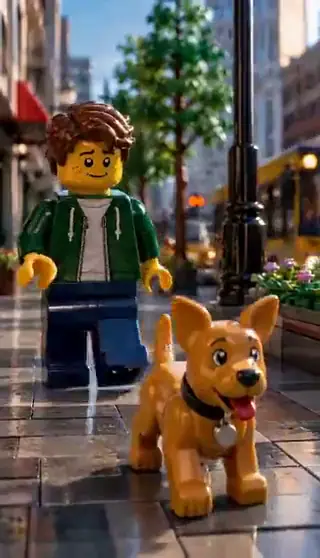
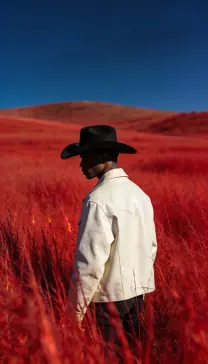
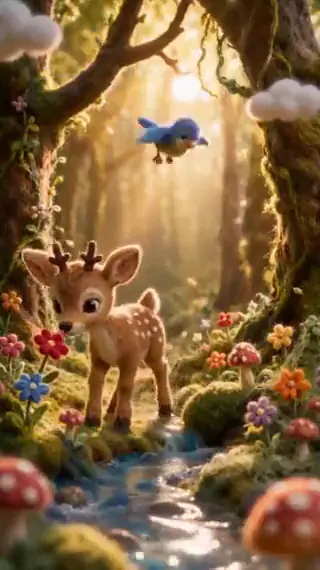
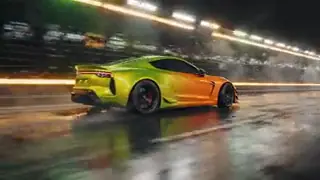
Get 350 free tokens every month to bring your ideas to life with our AI tools. Create images, explore new styles and try something different — no account or subscription needed.
Create a Free account to unlock your bonus and save your creations in your library.
No question matches. Try another word, or write to info@mediamoonlight.com.
Luna Tokens are credits you spend across Media Moonlight's AI tools, including image and video generation, logo creation, upscaling, colorization, background removal and vectorization. The cost depends on the tool, model and settings.
Yes! You receive 350 free tokens each month, whether you are logged in or browsing as a guest. A free account also comes with a one-time 1,000-token welcome bonus.
No. You can try the tools as a guest using your free tokens. Guest images are only available in your current browser window and disappear when you close it. Log in before generating if you want your images saved to My Creations.
No. All tools are accessible without a paid subscription. You just need enough tokens for your chosen model and settings. Some generations cost more than the free token allowance.
Choose a monthly subscription, buy a one-time top-up pack or wait for your next free monthly allowance. Your one-time 1,000-token account bonus gives you additional tokens to get started
Yes. Images generated while you are logged in appear in My Creations. Unpinned images are deleted after 90 days. Pin the images you want to keep within your storage allowance, or download them to your device.
A free account lets you access your images in My Creations and pin favourites within your available storage. You receive a one-time 1,000-token welcome bonus in addition to the 350 free tokens available each month.
Images generated while you are logged in are stored in My Creations for 90 days unless you pin them. This period is the same across all plans. Guest images disappear when you close the browser window.
Pin the images you want to keep in My Creations. Pinned images are excluded from automatic deletion after 90 days and remain in your library until you remove them. Pinning uses your available storage. You can also download images to your device.
Your storage allowance depends on your account and plan. Check your usage and available space in My Creations. The storage included with each subscription is listed on the Pricing & Plans page.
Log in, open My Orders and select the subscription you want to cancel. If you have multiple subscriptions, manage each one separately. Contact support if you need help.
Yes. You receive 350 free tokens each month with or without an account. A free account also receives a one-time 1,000-token welcome bonus. All tools are accessible, but some model and setting combinations cost more than your free balance.
Each subscription includes monthly Luna Tokens and a library storage allowance. Compare the amounts on Pricing & Plans. Unpinned images are deleted after 90 days across all plans; pin images you want to keep within your storage allowance.
Compare the monthly tokens and library storage included with each plan. Mini and Small suit lighter use; larger plans offer more room for frequent generations. Video generation can use more tokens, depending on the model and settings.
Subscription tokens reset on each plan's monthly renewal date. The free token allowance has a separate renewal period. Token Usage shows the refill date once your free token period has started. The 1,000-token welcome bonus is granted only once. Purchased top-up tokens remain available until used.
Unused subscription tokens do not roll over: they expire at the end of the relevant monthly period and are replaced by the next allocation. Free tokens reset at the end of their own allowance period. Purchased top-up tokens do not expire and remain available until you use them.
Buy a one-time top-up pack, purchase an additional subscription or wait for your next token allocation. You do not need a subscription to buy or use top-ups. Check the generation cost before starting.
Subscriptions provide a recurring monthly token allowance and the library storage shown for that plan. Top-ups are a one-time token purchase, with no monthly refill or subscription required. Top-up tokens do not expire.
Images generated while logged in appear in My Creations. Unpinned images are automatically deleted after 90 days on every plan. Pinned images are excluded from that deletion and use your storage allowance. Guest images disappear when the browser window closes.
Choose a model, describe the image you want and adjust the available settings. Check the displayed token cost, then generate your image.
Describe the subject, style, composition, background and lighting. Specific details help communicate your idea. Start simple and refine the prompt as you explore.
Yes. Use Recreate on a previous image to reuse its prompt and settings as a starting point for a new generation. You can adjust the inputs before generating again. The usual token cost applies.
Not necessarily. Reusing a prompt and settings can produce a different result. Recreate starts a new generation; download or pin the original image if you want to keep that exact version
Upscaling increases image resolution and can improve sharpness and detail. Results depend on the original image and model. Very blurry or damaged photos may still have flaws, and AI may change details.
Use the best-quality original you have. Clear photos generally give better results than heavily compressed images or screenshots.
Choose the available text-to-video or image-to-video mode, select a model and describe the scene. For image-to-video, upload a reference image. Adjust the settings and check the token cost before generating.
Video generation generally requires more processing than image generation. The exact cost depends on the model and settings, so check the displayed cost for your selection
Yes, if your free token balance covers the selected model and settings. No paid subscription is required to access the Video Generator. Some video generations cost more than the free allowance.
Start with one simple scene. Describe the subject, movement, lighting and camera motion clearly. For image-to-video, use a clear reference image.